
"Is the site up?" sounds like a simple question, but the answer depends entirely on what you mean by up. A server can respond to every request while visitors still can't log in, search or buy. The difference between uptime monitoring and synthetic monitoring is all about that gap. Here we explain what each one does, and when you need which.
What uptime monitoring is
Uptime monitoring checks that a server responds. A tool periodically sends a request to a URL and inspects the reply, usually the status code. If it gets HTTP 200, the site counts as up. If it gets a timeout, a connection error or a 5xx code, it counts as down. It's fast, cheap and excellent at catching the big disasters: the server crashes, the domain stops resolving, or the whole site goes dark.
What synthetic monitoring is
Synthetic monitoring goes a step further and imitates a real user. Instead of just fetching a URL, it drives a browser through a flow: open the page, click a button, fill in a form, wait for a result. After each step it checks that something expected actually happened, such as search results appearing or a pay button loading. It measures not just whether the server is alive, but whether the feature itself works.
Why a 200 OK misses broken journeys
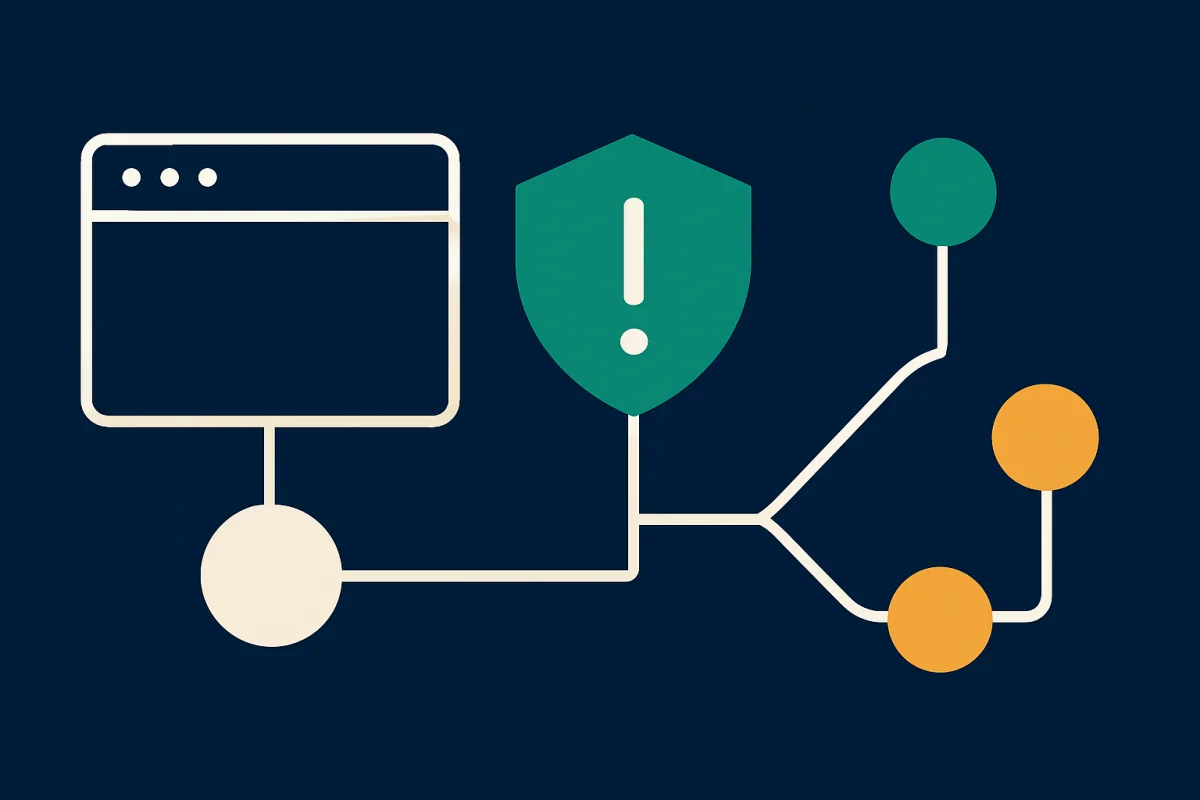
The status code 200 only means the server managed to deliver a response. It says nothing about the content. The server can happily return 200 while the page contains a JavaScript error that kills the button, an empty search result caused by a broken database, or a login form that rejects every password. To the visitor, the site is broken. To the uptime monitor, everything is green. This gap is exactly why stores discover checkout failures through angry customer emails rather than through their tools.
When uptime monitoring is enough
Uptime monitoring is the right tool when you want to know that a service is alive at all. It's a great fit for:
- Simple sites and landing pages without interactive features.
- API endpoints where a status-code response is a sufficient health check.
- Quickly catching total outages, DNS problems and server crashes.
- Monitoring many endpoints cheaply and often.
When you need synthetic monitoring
As soon as revenue or critical functions depend on a flow, you need synthetic monitoring. That includes:
- Checkouts and payment flows in an online store.
- Login, registration and other forms.
- Search, filters and other JavaScript-heavy features.
- Anything where "the page loads" is not the same as "it works".
What each one costs and requires
The difference shows up in operation too. An uptime check is lightweight: it sends a request and reads a response in a fraction of a second, so you can run it often and across many addresses without noticing the load. A synthetic check has to start a real browser, load the page, run JavaScript and wait for each step. It's heavier and takes longer, and it needs a little maintenance because the flow must be updated when you rebuild the checkout or switch themes. That's why the common strategy is to run uptime monitoring broadly across everything and reserve synthetic flows for the handful of journeys where a failure actually costs money.
Alerts you can trust
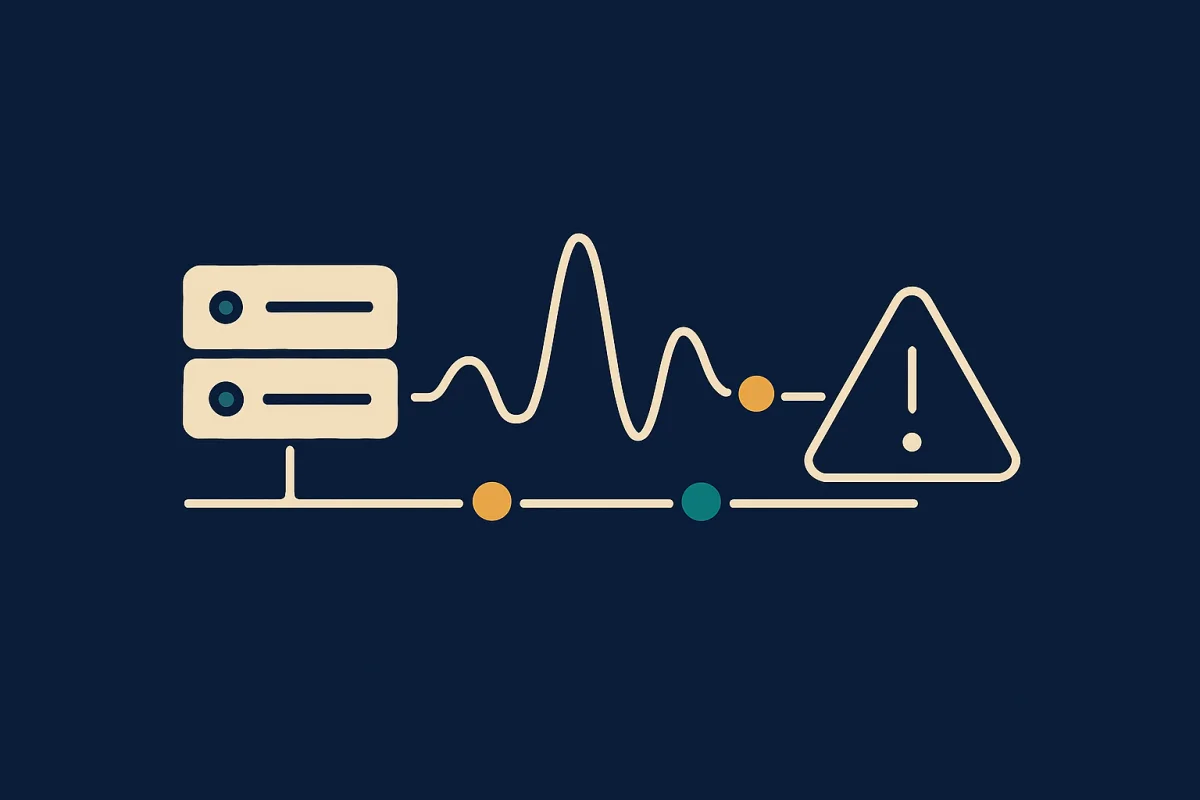
Whichever type you choose, alert quality is decisive. A tool that alerts on every temporary network glitch quickly trains you to ignore the alerts, and then you miss the real outage. The key is to confirm a failed check from an independent second location before the alert fires. If only one of two locations sees the failure, it's probably a local network problem, not your site being down. If both see it, it's real.
They complement each other
This is not an either-or. Uptime monitoring gives you broad, cheap coverage and catches the big outages fast. Synthetic monitoring gives you depth on the few flows that really matter. Together they cover both "is the server responding?" and "can the customer actually buy?".
How Ravnsight does it
Ravnsight does both. We run fast uptime checks for broad coverage and synthetic flows in a real browser for your critical buying and login journeys. Just as important is how we handle alerts: a failed check is always confirmed from a second location before we alert you. If an outage coincides with an incident you'll see it in the timeline, but we say it's correlated, not that we definitively know the cause. The result is fewer false alarms and a clear answer to the question that actually matters: does the site work for your visitors?