
An HTTP check sees the website. It doesn't see everything else keeping it running
A standard uptime check does one thing: it fetches a web page and looks at the status code. Get a 200 response, and everything is "up." That's a reasonable first line of defence, but it only covers one protocol and one port — typically HTTP or HTTPS on port 80/443. Everything else the site actually depends on — the mail server, the database, third-party APIs, a queue listener — sits outside that picture.
This is where TCP monitoring comes in. Instead of asking "does the page show the right content?", it asks a simpler, more fundamental question: "does this port respond at all?" That sounds trivial, but it's exactly the question that exposes a whole category of failures an HTTP check never sees — because the HTTP check never looks in that direction.
Why a website can look healthy while the service behind it is broken
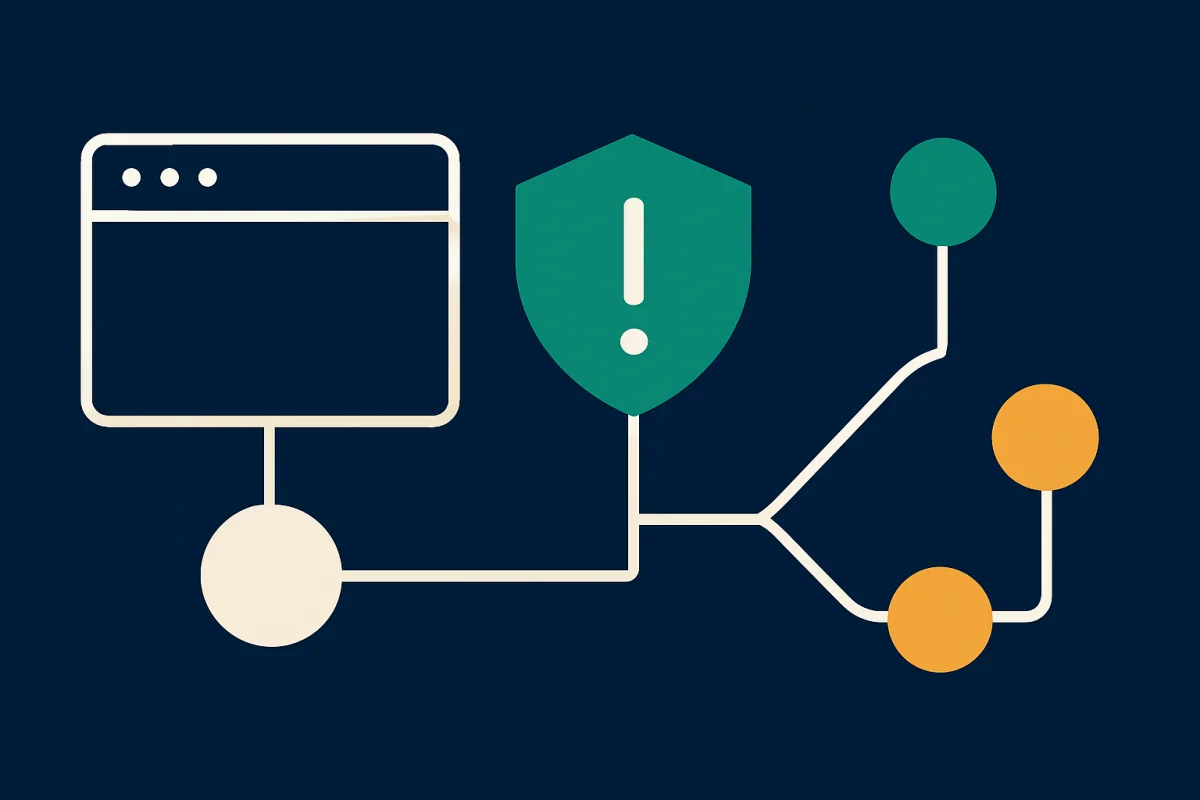
Many modern sites aren't a single process. They're a web server talking to a database, a mail service, a payment provider, an inventory or booking API, maybe a separate cache or search server. The web server can keep answering HTTP requests even if one or more of these backend services has stopped working — especially if the code is written to serve a cached or simplified page on error, or if the failure only affects one specific feature rather than the homepage.
The result: your uptime monitor reports green. Customers meanwhile run into broken forms, missing order confirmations, or a checkout that hangs. The problem is real, but it doesn't show up in the one metric you're watching.
Three silent service failures only a port check catches
- The mail server has stopped listening. The SMTP port (usually 25, 465, or 587) can stop responding without affecting the website at all. Contact forms, order confirmations, password resets, and customer notifications vanish silently. No error page appears to the visitor — the email simply never goes out. Without a TCP check against that port, you typically only discover it when a customer calls asking why they never got their confirmation.
- The database answers at the connection level but is overloaded or locked. A database port (e.g., 3306 for MySQL or 5432 for PostgreSQL) can accept connection attempts but refuse or delay them due to excessive concurrent locks, exhausted connection pools, or disk I/O that has slowed to a crawl. The web server may still serve a cached homepage while every dynamic page — customer account, checkout, admin — hangs or times out. A port check that measures connection time, not just open/closed, catches this gradual degradation before it becomes a full outage. One caution: only check a database port from outside if it is already meant to be reachable that way. MySQL and PostgreSQL ports should normally be closed to the internet – never open one just to monitor it. Watch the database indirectly instead, with an HTTP check on a page that has to query it, or a heartbeat sent by a job on the server.
- An internal or third-party API has gone quiet. Inventory systems, shipping calculators, payment gateways, and booking engines often expose their own ports or endpoints separate from the main website. If that API stops responding, the entire purchase flow can break — "add to cart" works, but "calculate shipping" doesn't — while your standard uptime check against the homepage keeps reporting everything as normal.
What a TCP check actually measures
A TCP monitor attempts to open a connection directly to a specific port on a specific server, without caring what's spoken on top of it (HTTP, SMTP, SQL, or some custom protocol). In practice, it measures three things:
- Can a connection be established at all? A refused or timed-out connection attempt means the service behind the port isn't accepting traffic — regardless of what the rest of the website appears to show.
- How long does the handshake take? A TCP connection that takes noticeably longer than normal is often the first sign of a service under load, before it stops responding entirely.
- Is the port reliably reachable over time? Intermittent connection failures — working sometimes, not always — often point to resource exhaustion (memory, connection pools, threads) rather than a complete crash, and are typically the hardest to diagnose after the fact without logging over time.
How it complements the rest of your monitoring
TCP checks shouldn't replace HTTP monitoring — they complement it. The HTTP check tells you the visitor can load the page. The TCP check against backend ports tells you the services that page depends on are actually alive. Together, they give a more honest picture of operational status than either one alone.
In Ravnsight, a failed TCP connection attempt is confirmed from a second country before it triggers an alert — the same principle applied to HTTP checks. That distinguishes a genuine service disruption from a momentary network gap between our checking node and your server, so you get paged for real problems, not noise.
If you're responsible for sites that send transactional email, run their own databases, or talk to external APIs, a TCP check against those ports isn't an extra feature — it's the only way to know the whole chain is working, not just the front it presents to visitors.